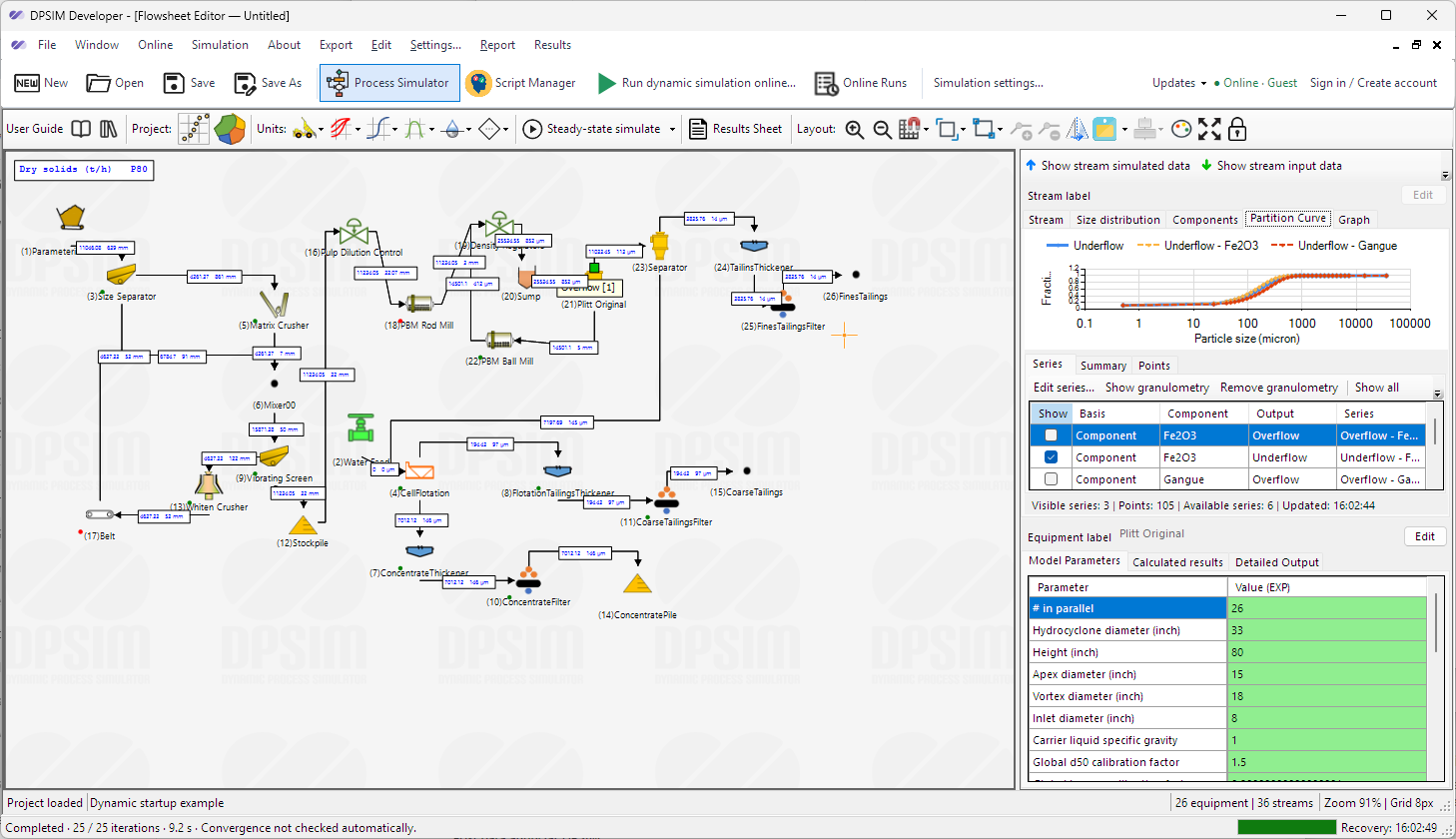
01 · BUILD
Model your circuit
Configure equipment and streams in Developer, then use steady-state simulation to calibrate the flowsheet.
Next-generation DPSIM · Expected December 2026
A new era of dynamic process simulation for mineral processing. Run your own simulations, explore operating scenarios and see how your circuit responds as conditions change.
Create your accountRegister now for complimentary launch simulation credits.
The DPSIM workflow
Build a model in Developer, submit a dynamic simulation online, then investigate how the circuit evolves in Player.
Configure equipment and streams in Developer, then use steady-state simulation to calibrate the flowsheet.
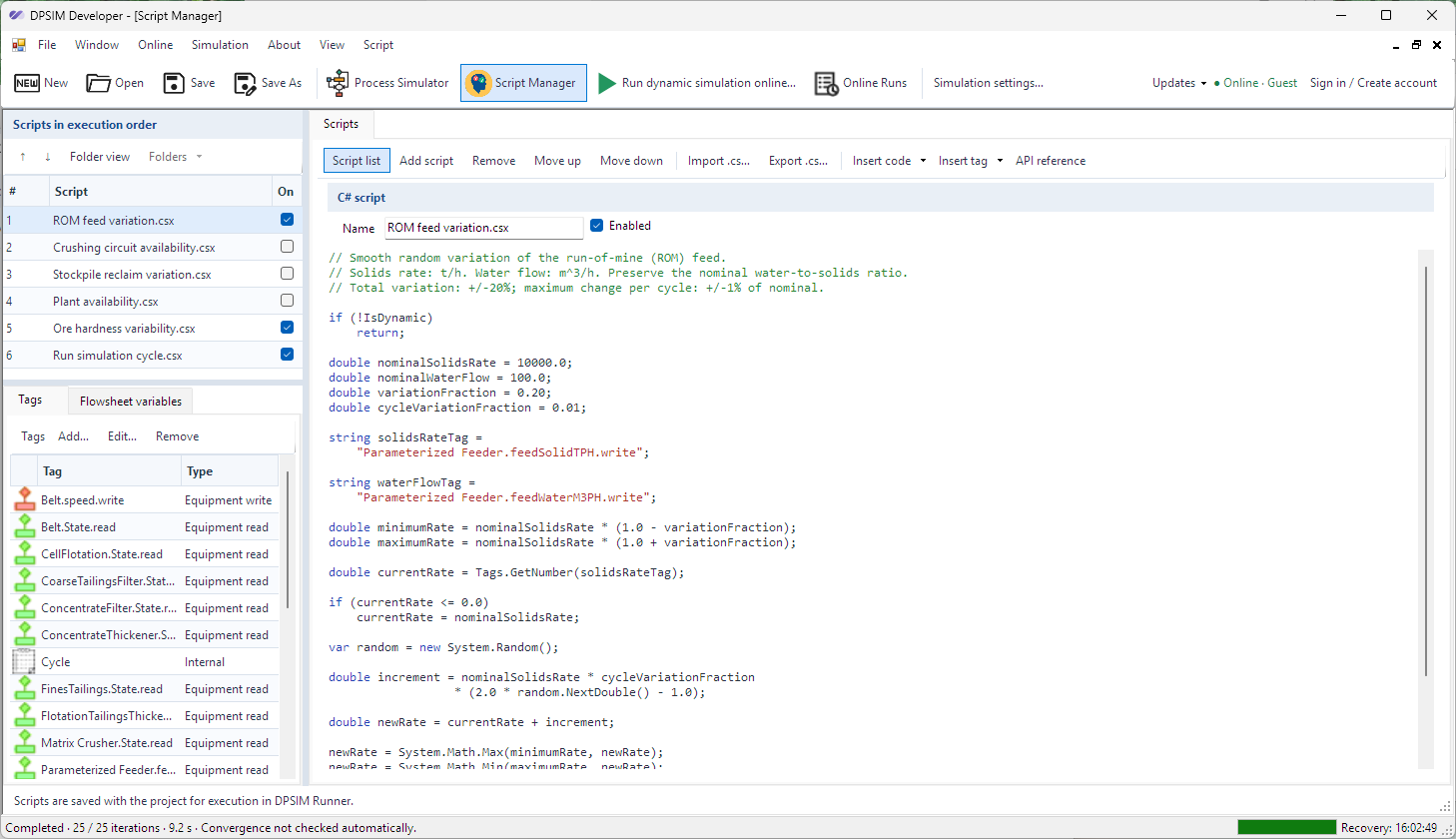
Use tags and scripts to describe changes such as feed variability. Choose the simulation duration, time step and recording interval before submitting the run.
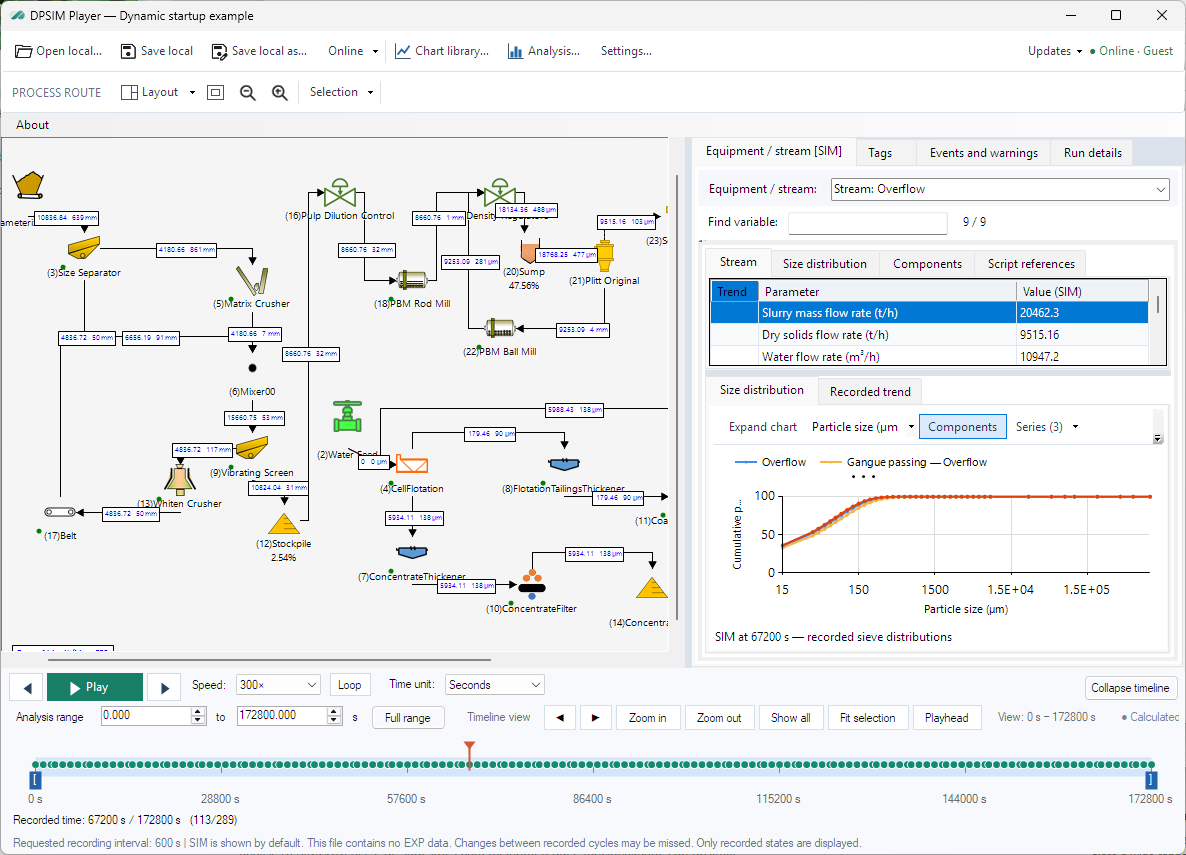
Navigate recorded states, inspect stream and equipment properties, compare trends and export data for further analysis.
Launch registration
Create your account to receive complimentary launch simulation credits when the next generation of DPSIM launches.