Steady-state mineral process simulation for flowsheet development, material balances and engineering reports.
Version 1.1.0.2 is the current release of the DPSIM Static Module. Feedback about installation, compatibility, models and documentation can be sent directly from the application.
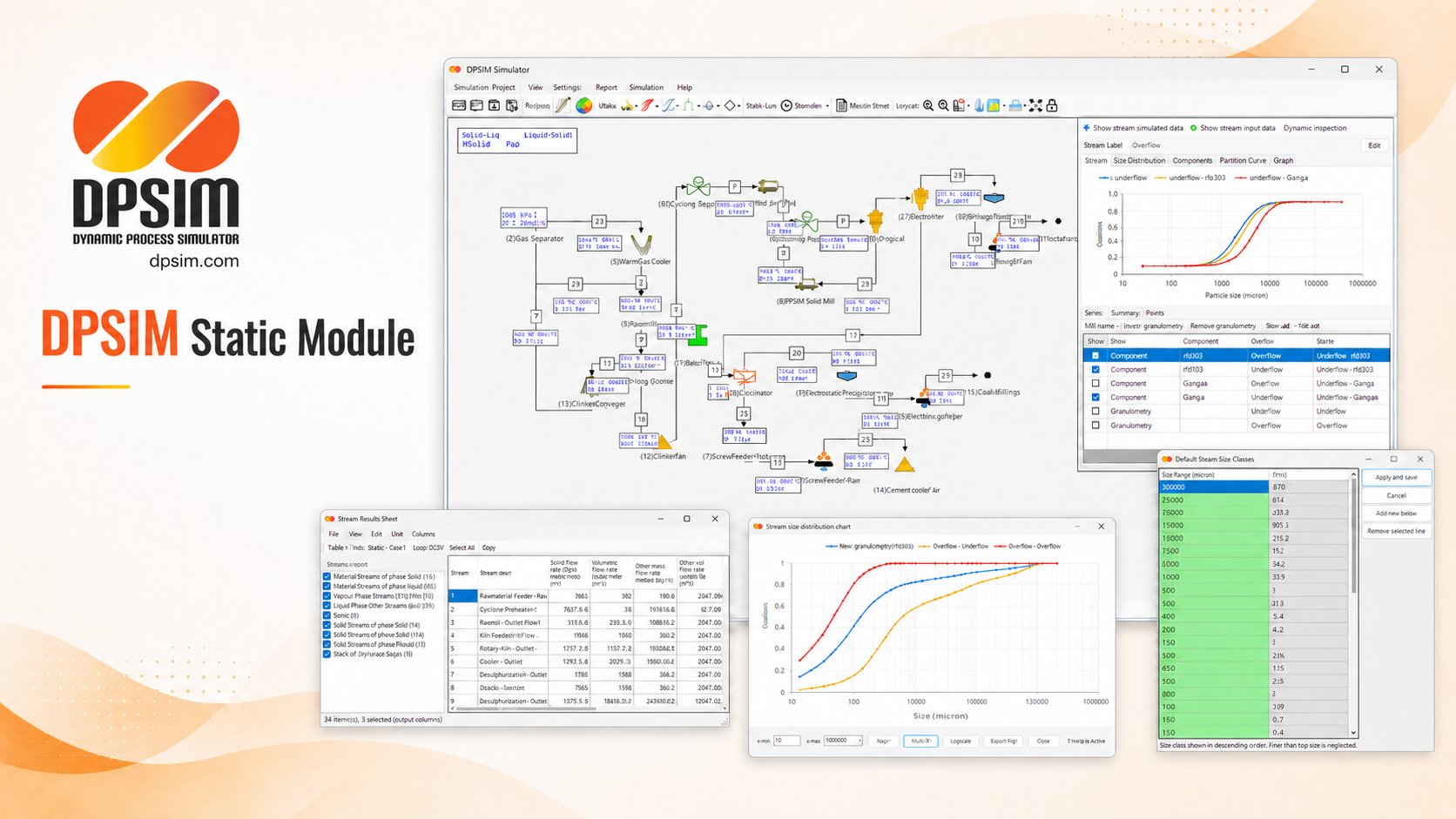
Install DPSIM Static Module
Download the installer and follow the guided setup.
Current version: 1.1.0.2. Microsoft .NET Framework 4.8 or later is required.
What the Static Module Supports
DPSIM Static Module provides the public steady-state workflow for building and reviewing mineral processing flowsheets. It is meant for engineering studies where the objective is to represent an operating condition, calculate material balances and inspect how unit operation assumptions affect downstream streams.
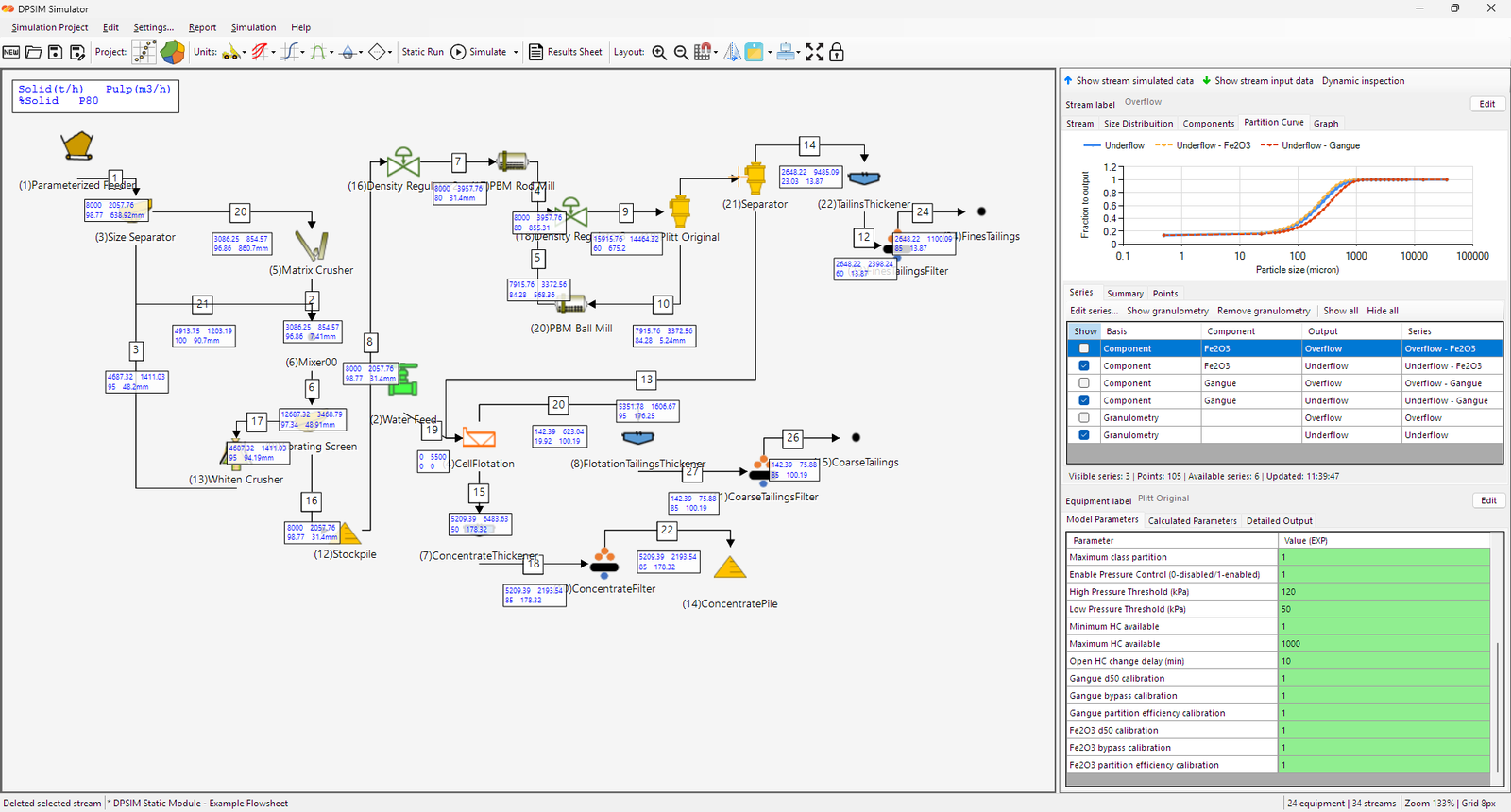
The workflow is centered on connected process streams. Users define feed, water and material properties, configure unit operation models, connect the flowsheet, run the static calculation and review stream results, model parameters, particle size distributions and calculated outputs.
Flowsheet-Based Simulation
The Static Module helps engineers move from isolated spreadsheet calculations to a flowsheet representation of the circuit. Equipment is connected by streams, so the result of one unit becomes the feed condition for the next. This makes it easier to review recirculating loads, product streams, mass balance consistency and the effect of changing assumptions in one part of the circuit.
Material Streams and Size Classes
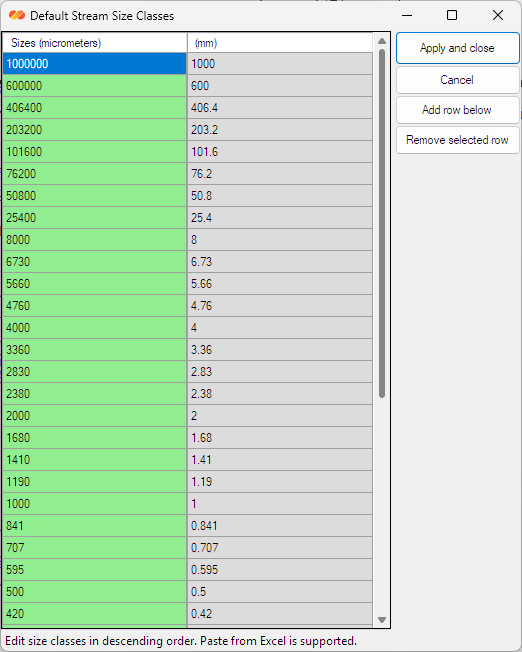
Material streams can carry solids flow, water flow, percent solids, particle size distribution and component information, depending on the models used in the flowsheet. This is important in mineral processing because screens, hydrocyclones, mills and separation models may respond differently to each particle size class and component distribution.
Unit Operation Models
The public Static Module includes model families for common steady-state mineral processing tasks, including feeds, stream splitters, crushing and grinding, screening and classification, hydrocyclones, flotation and concentration, dewatering and auxiliary operations. Some models are simple and useful for assumptions-based review; others require stronger data and calibration.
- Configure model parameters and inspect calculated outputs.
- Compare stream behavior across the flowsheet.
- Use the public model reference to review assumptions and parameter meanings.
Engineering Review and Reporting
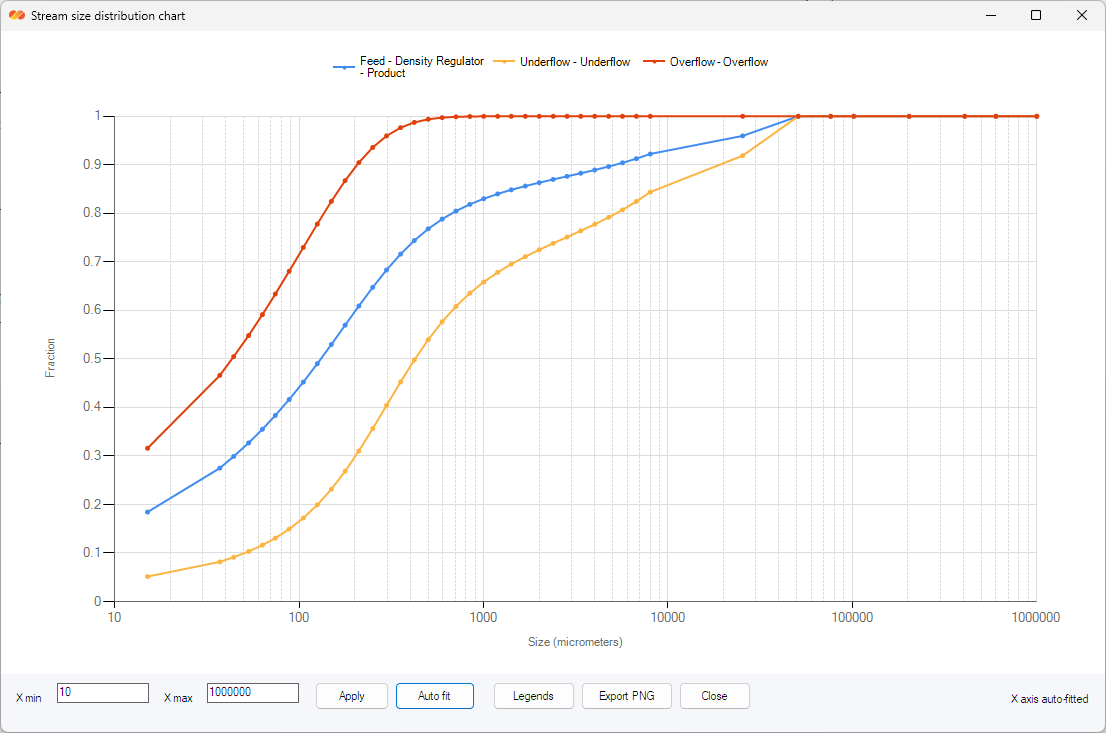
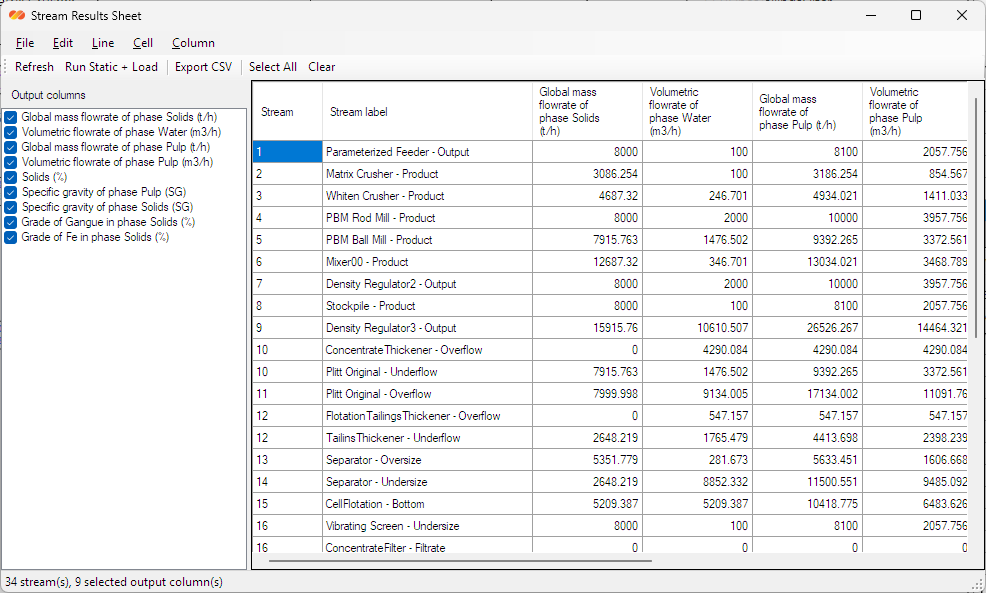
A static simulation is useful when its assumptions and results can be reviewed by an engineering team. DPSIM Static Module supports mass balance and water balance checks, product stream comparison, particle size distribution review, equipment duty inspection and preparation of results for reports or technical discussions.
Static Module and DPSIM Full
DPSIM Static Module is not the complete DPSIM Full environment. It focuses on steady-state simulation, public model review and engineering reporting. DPSIM Full extends the same framework to advanced project applications such as dynamic simulation, process control, reliability studies, material handling behavior, long-horizon scenarios and project-specific workflows.
Simulation results depend on the assumptions, model selection, input data and parameter configuration used in the study. The Static Module is a practical starting point for steady-state work, while EPM can support studies that require DPSIM Full capabilities.
Windows security notice: this release is not yet digitally signed, so Windows SmartScreen or your browser may show an unfamiliar-download warning. Download DPSIM only from this official page and keep your security software enabled.
Download blocked or security warning? See the DPSIM FAQ for practical guidance.