Three applications, one process perspective
See DPSIM at work.
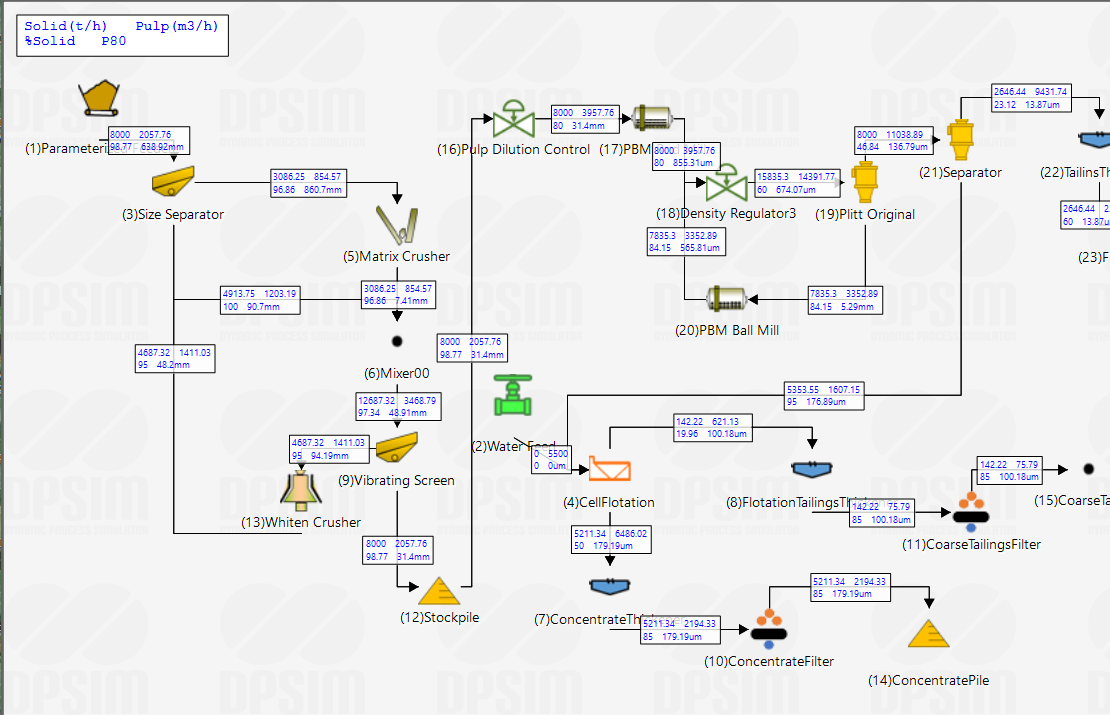
 Static Module
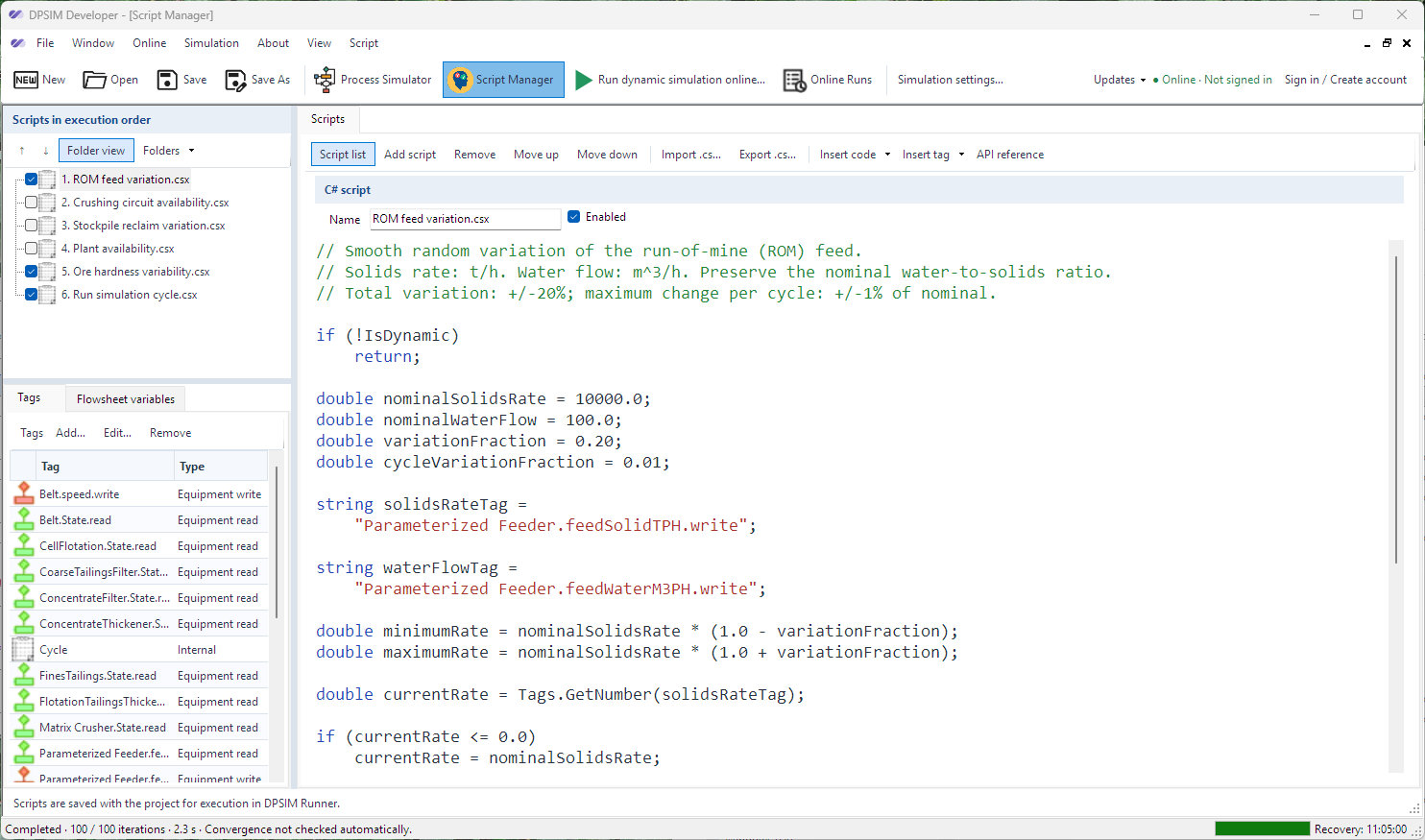
 DPSIM Developer
Build flexible operating logic and represent the specific characteristics of each plant.
Explore Developer Download for free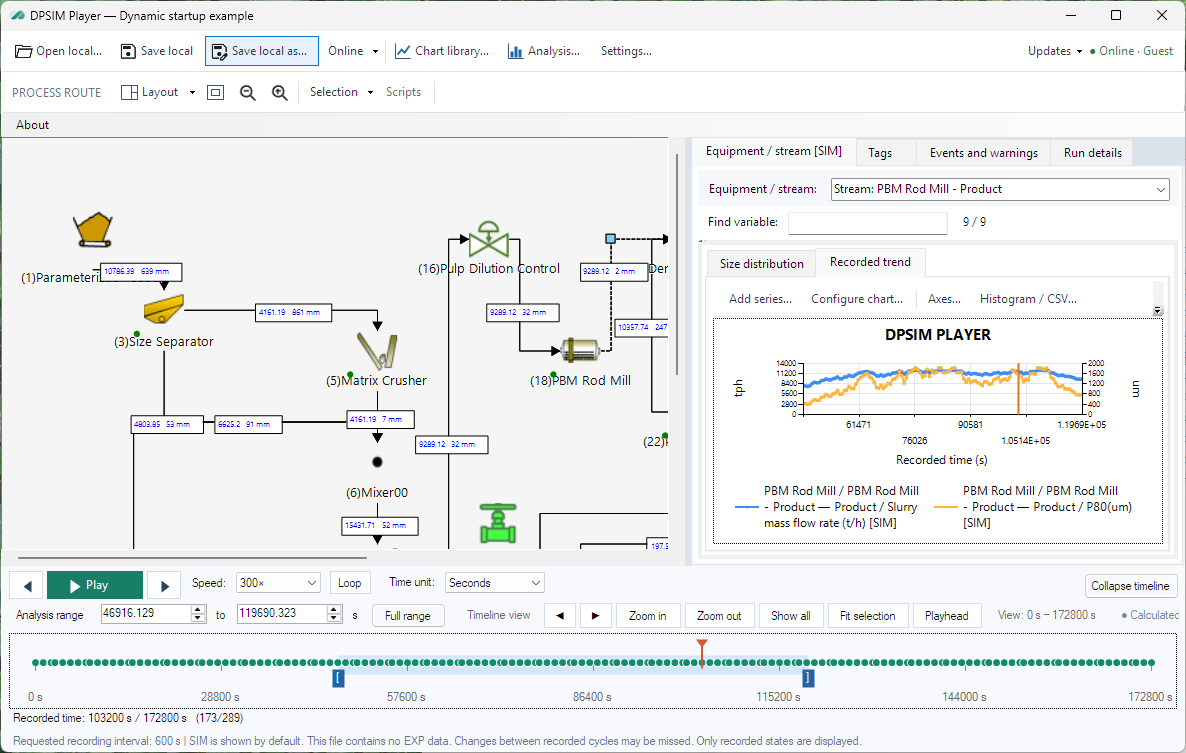
 DPSIM Player
Explore recorded trends, inspect process states and share simulation results.
Explore Player Download for freeOne connected workflowCreate the study.
Create the study.
Understand the result.
Purpose-built tools for preparing mineral processing studies, executing scenarios and exploring recorded behavior.
Build with purpose.
Define equipment, connect streams, configure project conditions and prepare scripts.
Explore Developer →Run the scenario.
Send your scenario to run online and follow the simulation results.
Explore dynamic simulation →Make results visible.
Move through the recorded timeline and inspect equipment, streams and trends.
Review with Player →Understand the whole plantDifferent questions.
Different questions.
One process perspective.
Move between steady-state balances, time-dependent response and the production effects of equipment reliability.
Mineral processing
Material streams, particle sizes, unit operations and complete flowsheet balances.
Explore process simulation →Dynamic simulation
Explore how disturbances, operating changes and control actions develop over time.
Explore dynamic simulation →Reliability studies
Evaluate failures, repairs, process buffers and operating constraints.
Explore reliability →A clear path for the recipient
One link. The recording and the Player.
Share a link to your simulation results. Recipients can download the recording and open it in DPSIM Player to explore the process and review the results.
Learn at your paceFrom your first flowsheet
From your first flowsheet
to the details of the model.
Tutorials
Learn the Static Module step by step, from setting up your flowsheet to running simulations and interpreting results.
Browse tutorials →The user manual.
Find the published guidance for material definition, equipment configuration and steady-state calculation.
Open the manual →Models reference.
Explore the public model catalogue, parameters, equations and application notes.
Find a model →EPM / Engineering & servicesBring your process
Discuss a study →Bring your process
question into focus.
Discuss how simulation can support your design, operations or reliability study.