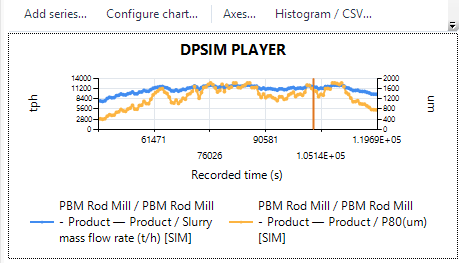
Compare recorded trends.
Review process quantities over time and compare their response within the same analysis interval.

DPSIM Player · Windows
Review dynamic simulation results, move through recorded process states and inspect equipment, streams and charts. Share the recording so others can explore the results too.
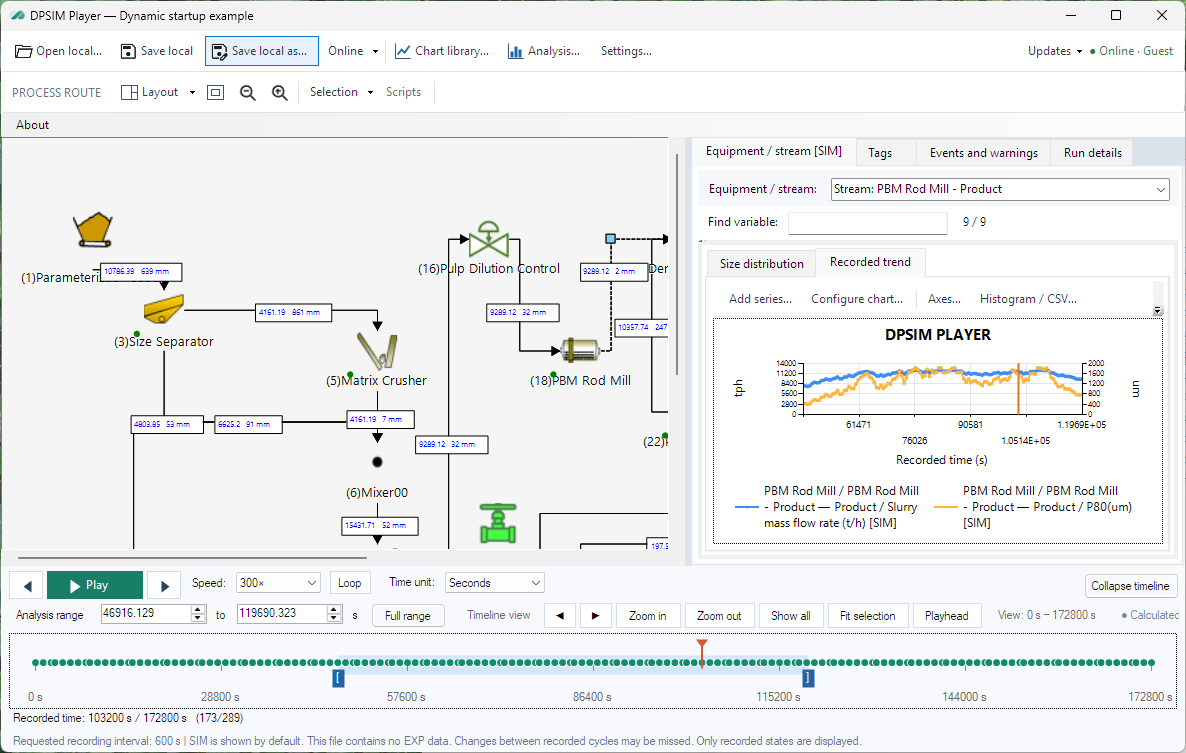
Review the simulation
Use the recorded data to follow the process response and compare the quantities that matter to your study.
Review process quantities over time and compare their response within the same analysis interval.
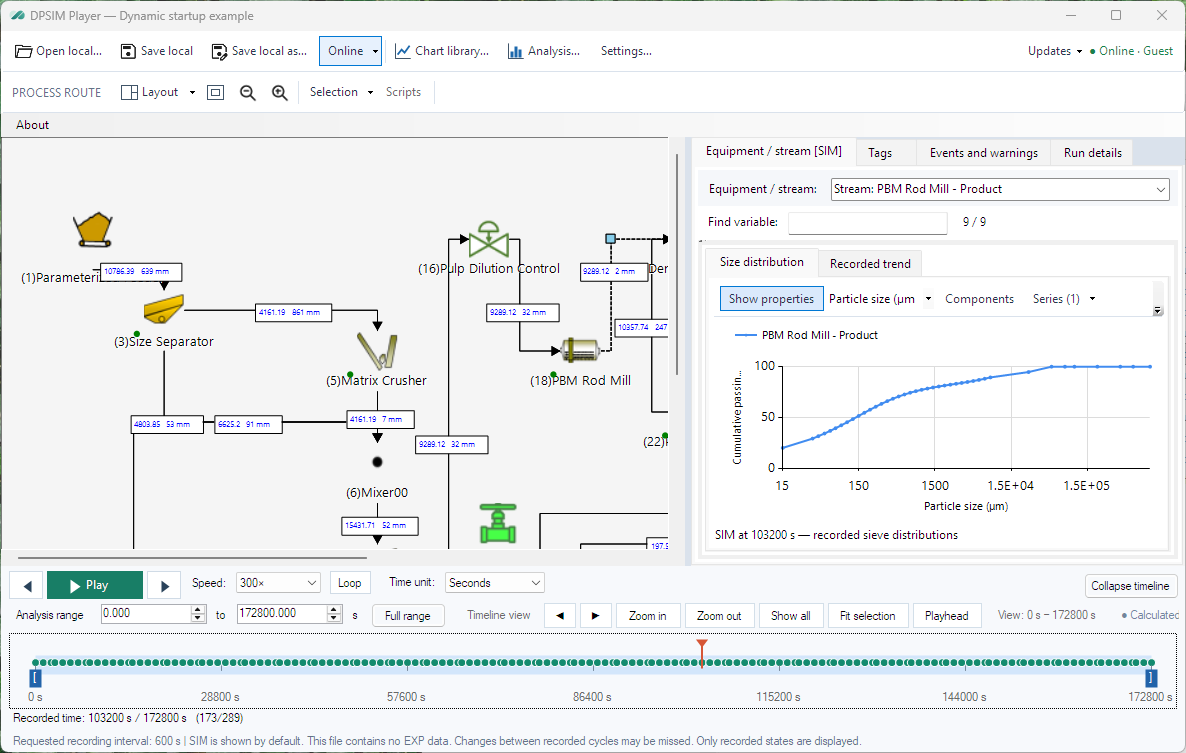
Read the selected stream and equipment values, including the recorded particle size distribution.
Move through recorded states, control playback and select the part of the simulation you want to examine.
From recording to review
Load a .dpsplay file from a completed dynamic study.
Select a recorded moment and inspect the equipment, streams and trends.
Pass the recording to another person to review with DPSIM Player.

Download the portable Player for Windows. Run a single EXE and open your .dpsplay recording, without installation.
To create simulation scenarios, explore DPSIM Developer →
Learn DPSIM Player
Follow the practical tutorials, then keep the command reference nearby.