01
Develop the simulation logic.
Build the flowsheet, configure the equipment and write the operating logic. Describe the variations, events and plant-specific behaviour that define your scenarios.
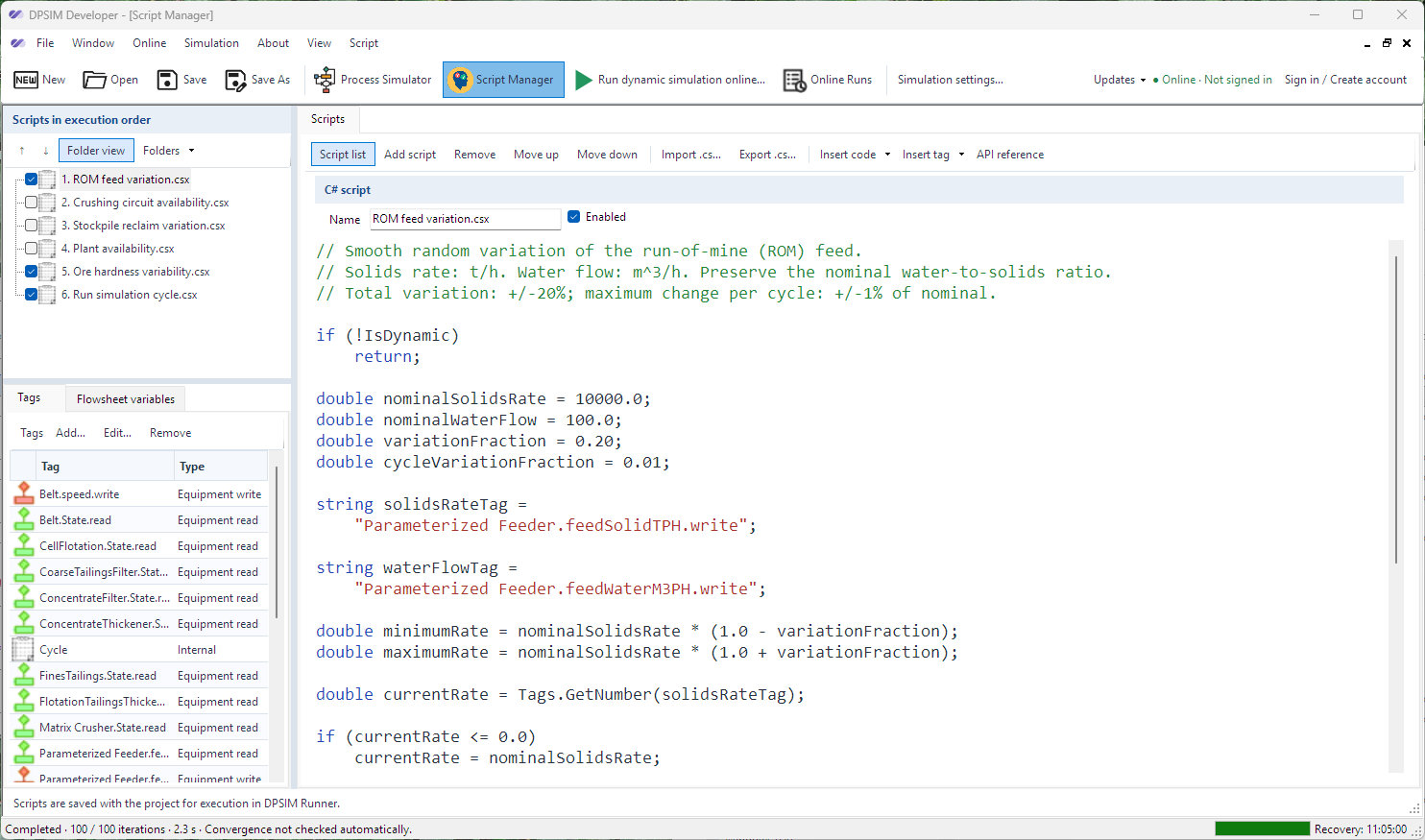

DPSIM Developer · Windows
DPSIM Developer is where you create dynamic simulations. Use flexible programming logic to describe how your plant operates and build scenarios tailored to each study.
From logic to results
A workflow for turning the questions in your study into simulation scenarios and recorded results.
Build the flowsheet, configure the equipment and write the operating logic. Describe the variations, events and plant-specific behaviour that define your scenarios.
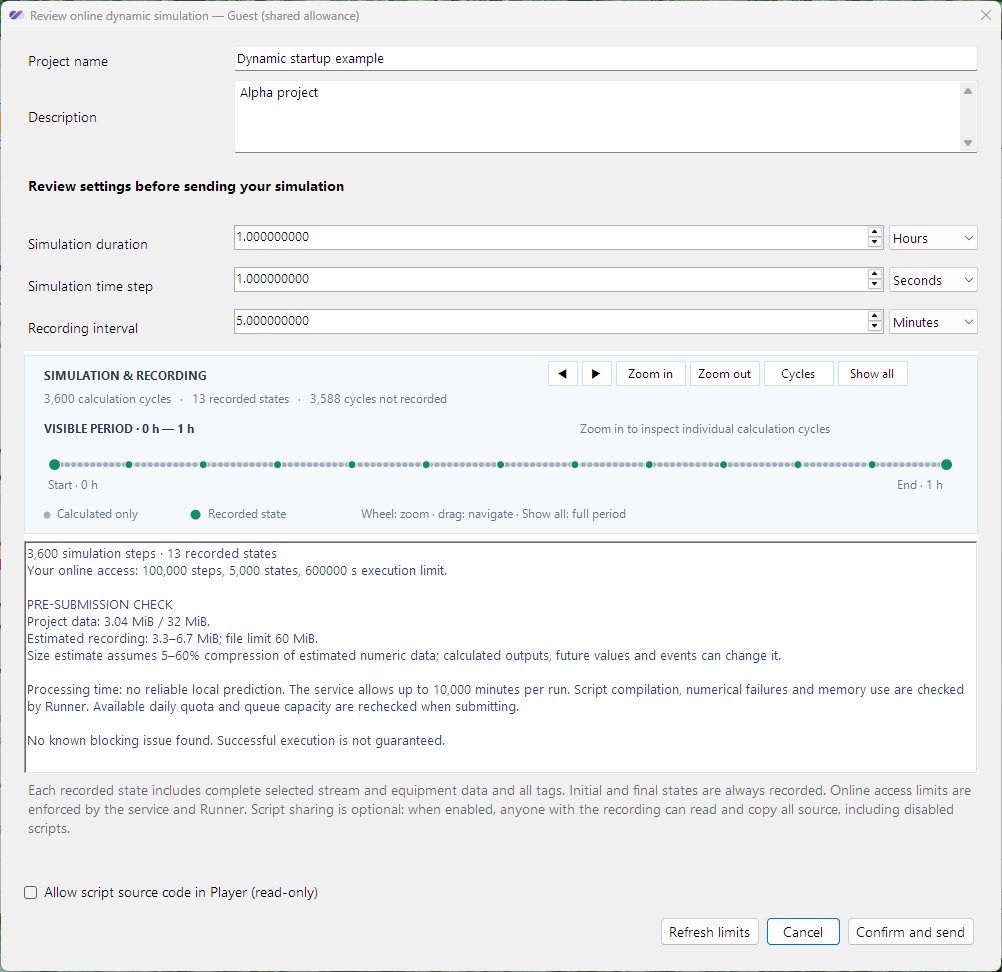
Choose the simulation duration, calculation time step and recording interval. Inspect the timeline preview before sending the scenario to run online.
Open the recording in DPSIM Player. Navigate process states, compare recorded trends and share the results with the people who need to review them.
Explore Player →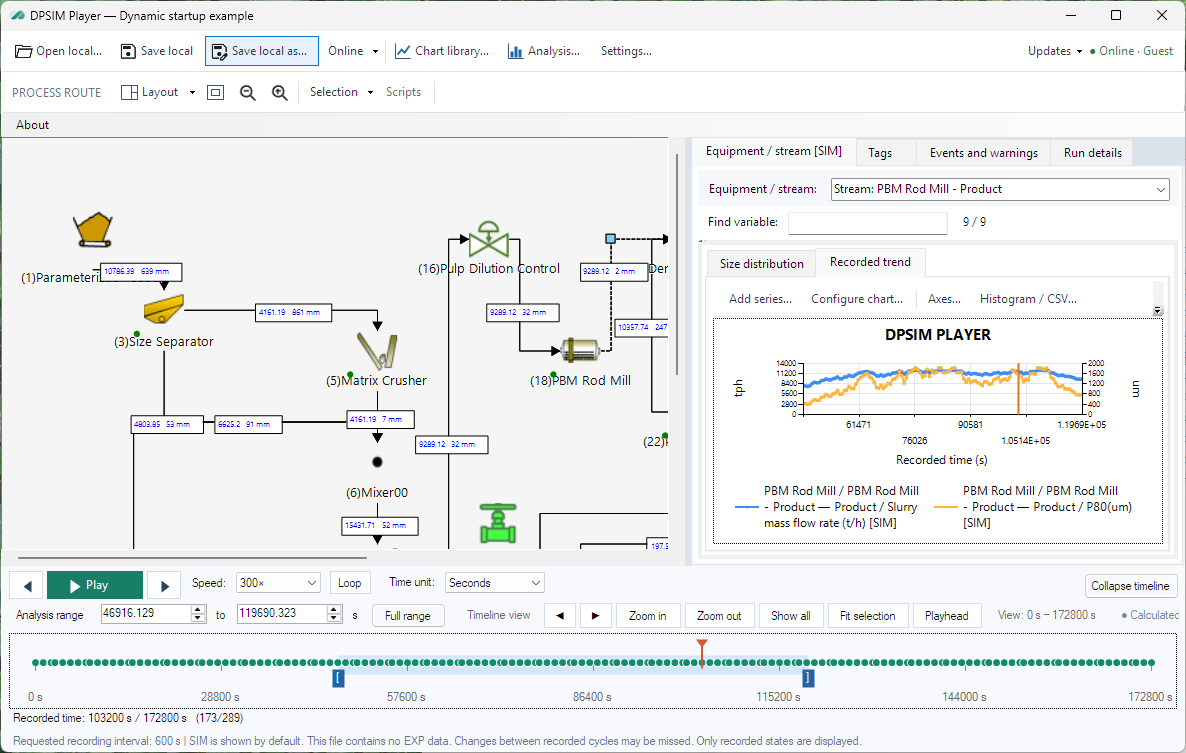
Applications
Combine process behaviour and custom operating logic to explore different types of dynamic studies.
Test setpoints, sequencing, interlocks and control rules as part of the process.
Represent changes in feed rate, particle size and ore characteristics.
Explore ramp-up, shutdown, restart and recovery sequences over time.
Evaluate buffer levels and their effect on interruptions and process stability.
Represent failures, repairs and standby arrangements within the process.
Compare equipment configurations, operating conditions and scenario responses.

Find Developer for Windows and the other DPSIM tools on the downloads page.
For steady-state studies, explore the Static Module →
Learn DPSIM Developer
Follow the practical tutorials, then keep the command reference nearby.